Solving Load Failed Error for Godot HTML5 Exports
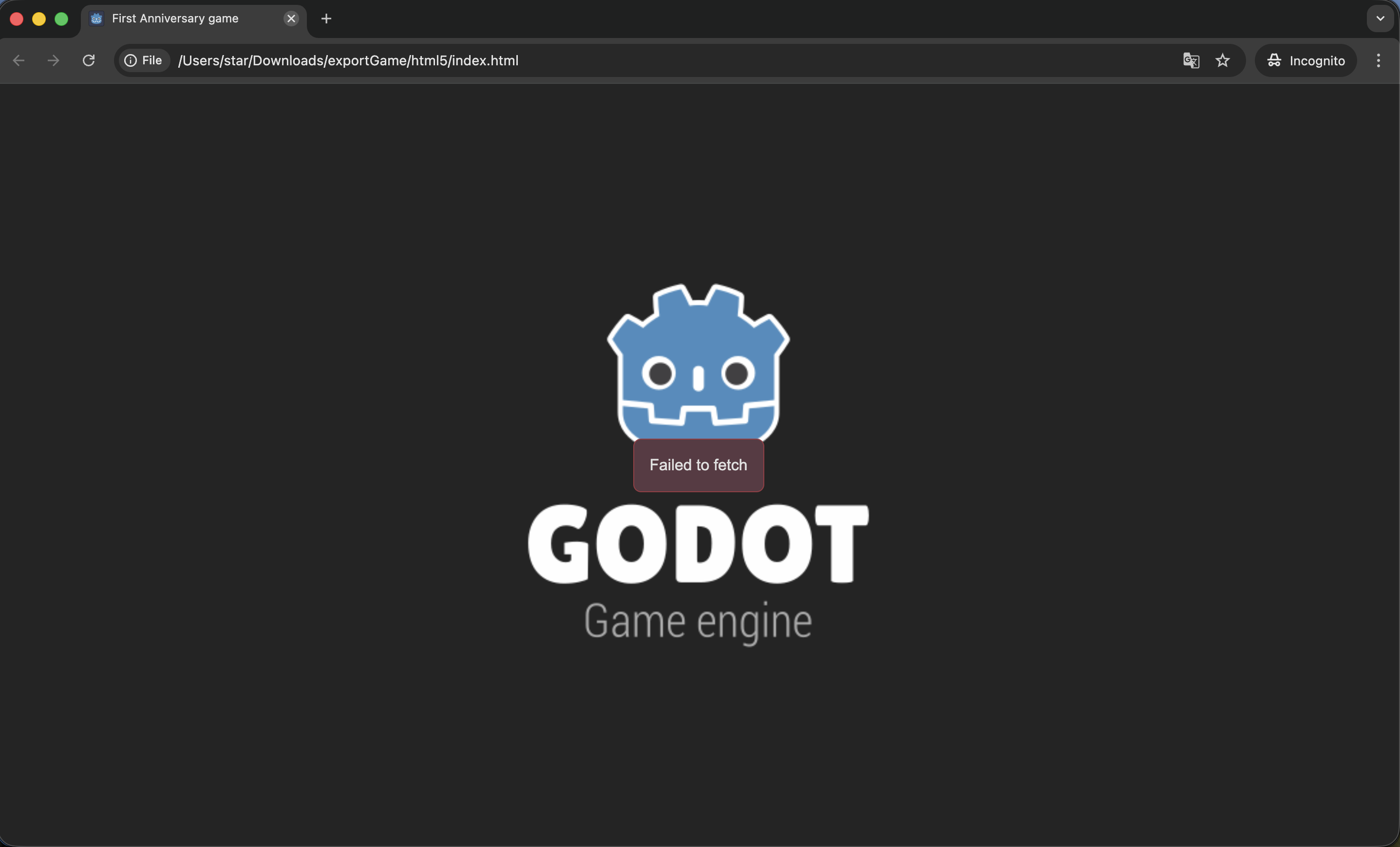
When making a game with Godot (using version Godot 4.6), I wanted to test exporting it to the web. However, simply opening the exported .html file results in a load failed error. This article documents how to solve this issue by setting up a simple Python server.
After drawing a simple map, test exporting HTML5 package
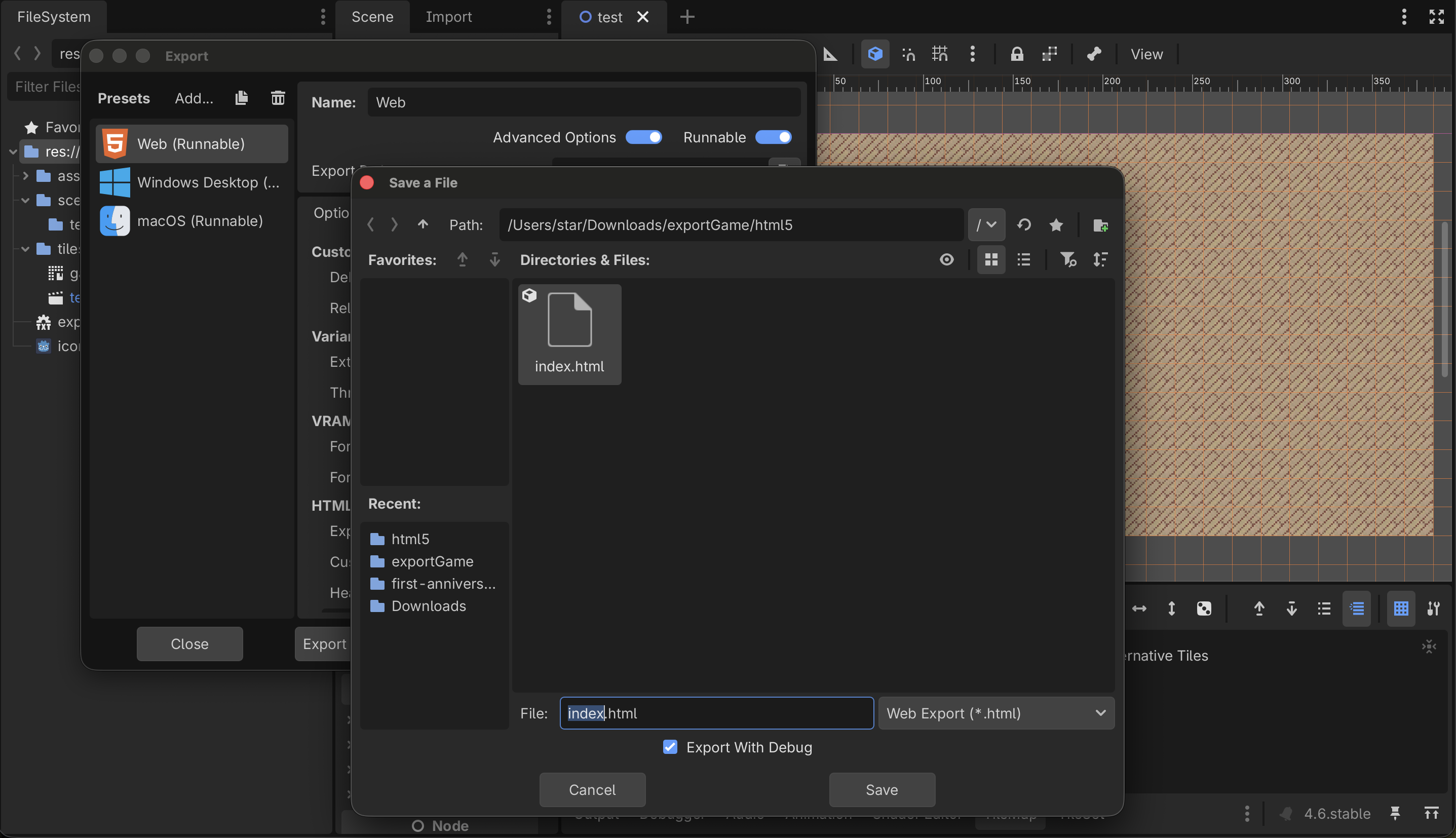
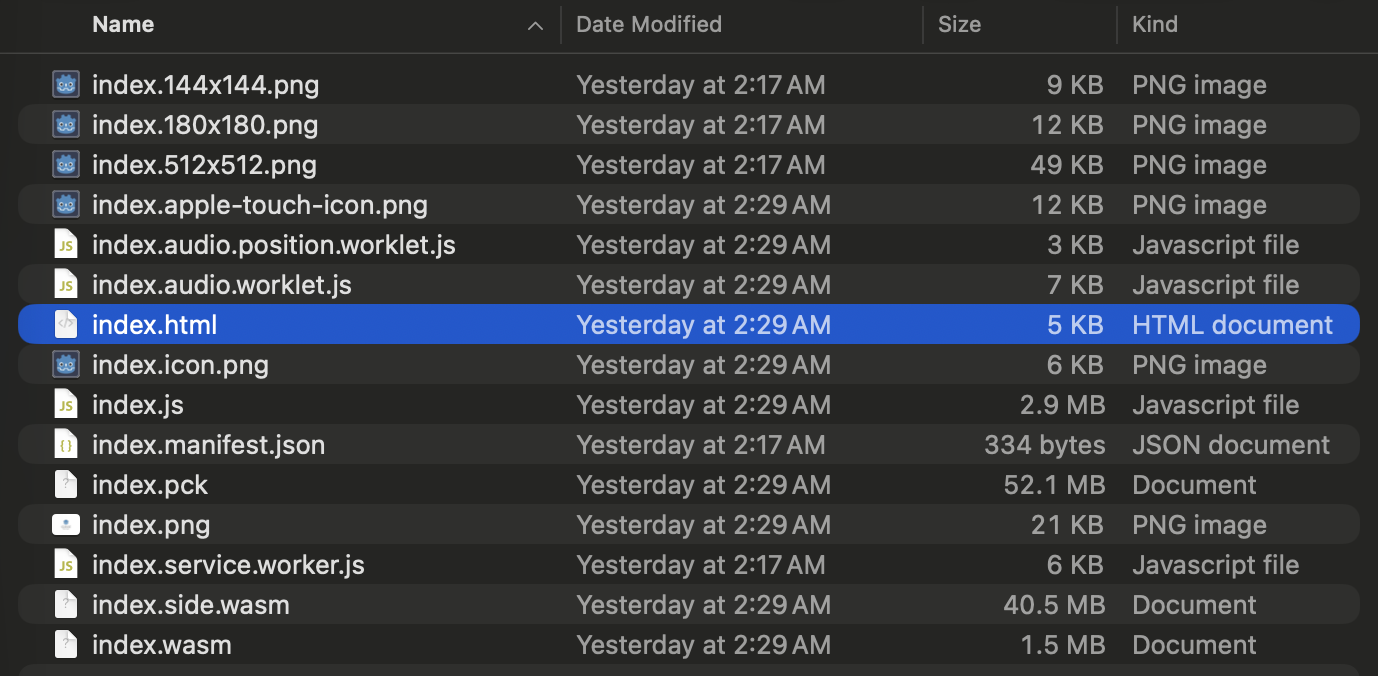
Directly open html file
🛠️ The Solution
This problem is primarily caused by modern browser security restrictions (especially mechanisms like cross-origin isolation targeting SharedArrayBuffer etc.) causing the file opening to fail to load Godot’s game engine environment.
For reference from official Github Issues: godotengine/godot#69020
To resolve this issue, we must establish a local server providing Cross-Origin-Opener-Policy and Cross-Origin-Embedder-Policy. Concrete steps as follows:
1. Build Server Script
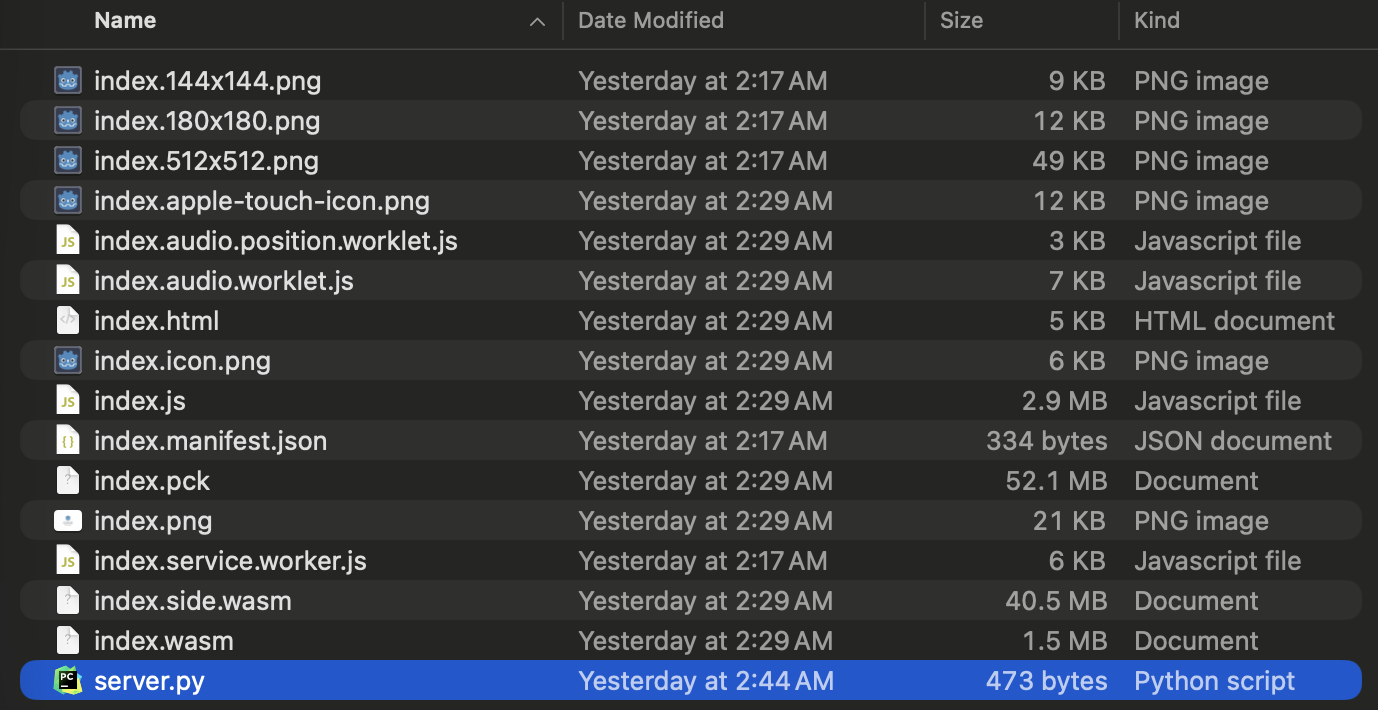
Within the same directory layer as the exported game and .html file, create a file named server.py.
2. Enter Python Code
Paste the following contents into server.py, which will start a simple HTTP Server, and fill in the necessary Headers for Cross-Origin Resource Sharing (CORS):
import http.server
import socketserver

PORT = 8000

class MyHTTPRequestHandler(http.server.SimpleHTTPRequestHandler):
    def end_headers(self):
        self.send_header('Cross-Origin-Opener-Policy', 'same-origin')
        self.send_header('Cross-Origin-Embedder-Policy', 'require-corp')
        super().end_headers()

Handler = MyHTTPRequestHandler

with socketserver.TCPServer(("", PORT), Handler) as httpd:
    print(f"Serving at port {PORT}")
    httpd.serve_forever()
3. Execution
Open up your terminal, navigate to the folder’s directory, and execute the previously created server.py:
python server.py
4. Open the Game
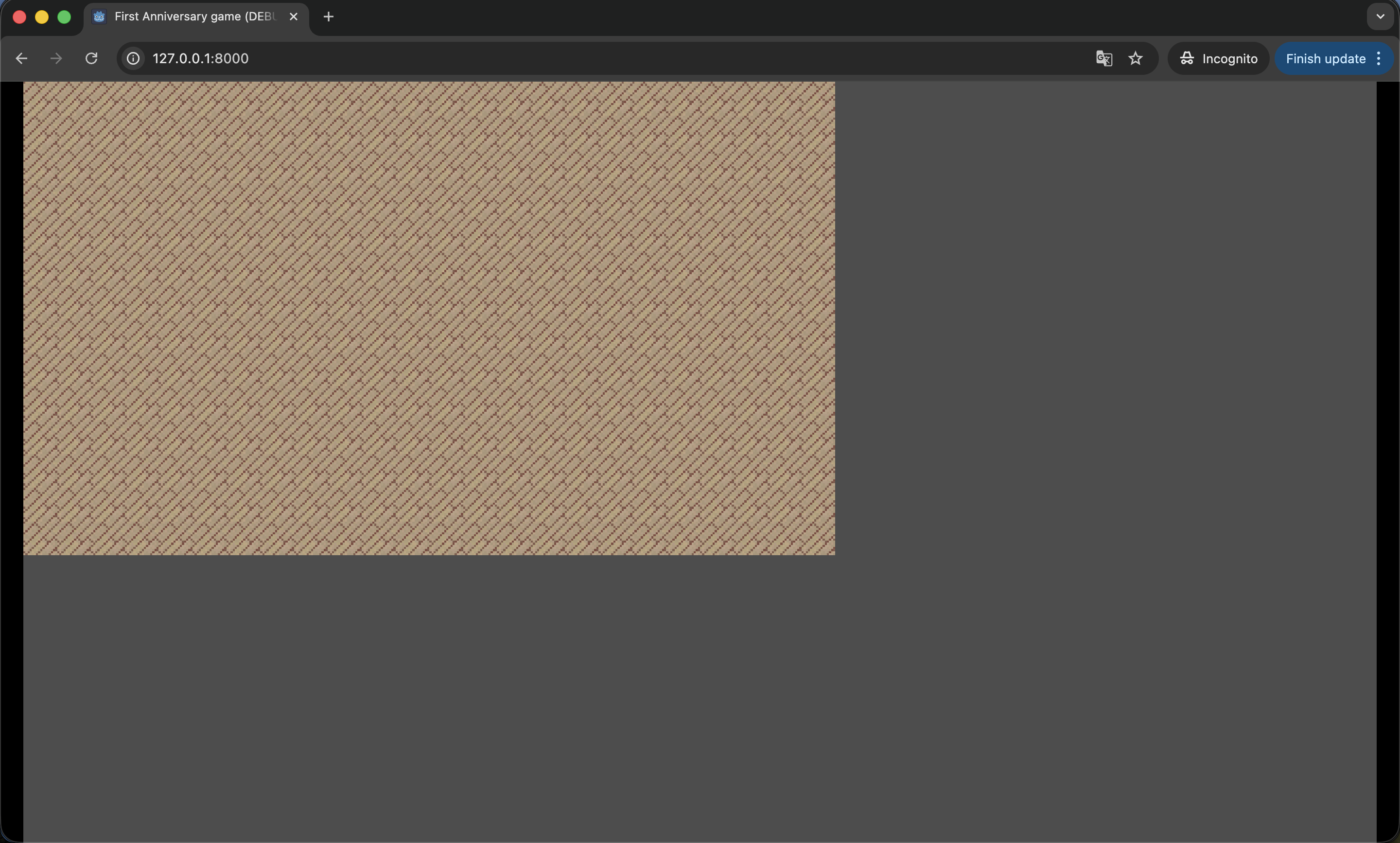
Finally, open your web browser, and type in http://127.0.0.1:8000/ , and you can see the game successfully load in!
🔮 What’s Next?
After successfully testing the local version of the exported web HTML, we have a peace of mind to keep developing game content!